Download & Installation Guide Neo 4K IPTV UK
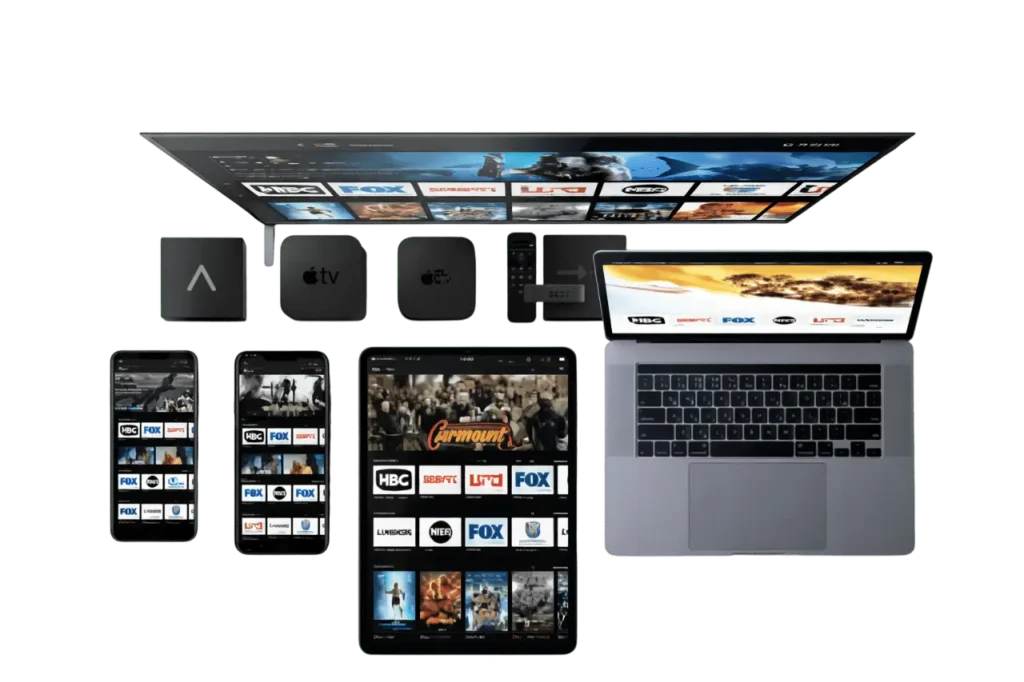
Quickly install your compatible IPTV UK applications for Smart TV,Firestick , Android, iPhone, Windows and Mac. Access IPTV Smarters Pro , Neo 8K, Strong 8K, movies, TV series, sports and premium channels.
Download Neo 4K / 8K IPTV Players
Install the official Neo 8K IPTV Players using the Downloader App. Simply copy one of the Downloader Codes below and install your preferred IPTV player in seconds. Compatible with Firestick, Android TV, Google TV, NVIDIA Shield, Chromecast, Android Boxes and more.
Neo 8K Player VIP+
Best Quality Streaming
Neo 8K Player Prime
Premium IPTV Player
Neo 8K Player Plus
Enhanced Performance
Neo 8K Player VIP
Standard VIP Edition
Neo Fast 8K Player
Ultra Fast Streaming
Neo 8K Player VOD
Movies & TV Shows
IPTV Smarters Pro UK Installation
Download IPTV Smarters Pro UK for Android, iPhone, Smart TV, Windows and Mac. Compatible with UK IPTV, movies, TV series, sports and adult content (+18).
Android App
Download IPTV Smarters Pro UK (v5.0)
NEO4K.CO.UK Installation Guide & Frequently Asked Questions
Find answers to all your questions about NEO4K.CO.UK, IPTV Smarters Pro, Smart TVs, Android, Firestick, iPhone and premium IPTV applications.
To install IPTV Smarters Pro on a Samsung or LG Smart TV, open your TV's app store, search for IPTV Smarters Pro and download the application. Then add your NEO4K.CO.UK IPTV login details or your M3U playlist.
IPTV Smarters Pro, Strong 8K Player and Tivimate are among the best IPTV players thanks to their stability and 4K streaming quality.
Yes, IPTV Smarters Pro is fully compatible with Android TV, Android smartphones, Firestick and Fire TV devices.
Add your Xtream Codes login details, M3U URL or MAG Portal to your IPTV application to access live TV channels and premium VOD content.
Yes, NEO4K.CO.UK premium IPTV subscriptions include sports channels, movies and TV series in Full HD and 4K quality.
Yes, IPTV Smarters Player Lite works perfectly on iPhone and iPad through the App Store.